Maps and Targeting
Turn a service area into a mail audience.
Sendvo Maps and Targeting turns a drawn area, ZIP codes, counties, states, or carrier routes into a direct mail audience. See the home count before you design.
- Free Local plan
- Map, ZIP, county, or state
- EDDM $0.65 a postcard, any plan
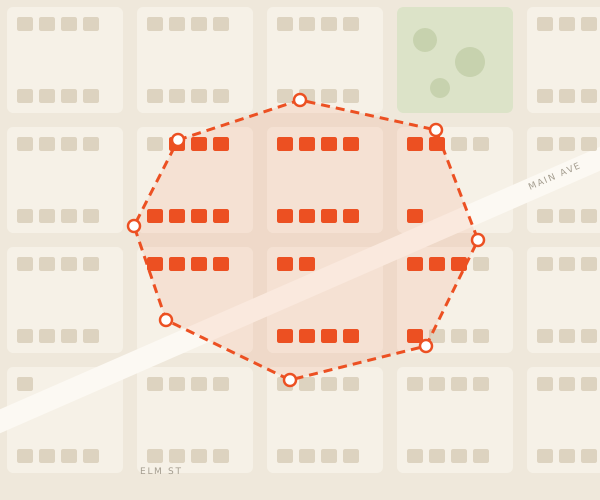 Sample campaign
Sample campaign. No customer or workspace data is shown.
Pick the ground, then the homes.
- Choose an area typeDraw, ZIP, county, or state.
- Select the geographyAdd or drop areas to fit.
- Check the coverageSee the home count first.
- Build the audienceSend it to address checks next.
Coverage
Add a ZIP. Trim an edge.
Start with your service area. The count updates as you edit.
See the address checksMaps and Targeting FAQ
Before you draw.
Operating boundary: A map defines geography only. It does not verify addresses, establish eligibility, or guarantee coverage.
What geographic options can support a direct mail audience?
The Sendvo Data path supports map areas, ZIP codes, counties, states, and carrier-route selections for appropriate campaigns.
Is geographic targeting the same as address verification?
No. Geographic selection defines the area. Address-quality review is a separate step for the records used in the campaign.
Can I review the selected area before sending?
Yes. The selected geography and resulting audience remain part of campaign review before approval.