Workflows and Triggers
Trigger direct mail from your business events.
Sendvo Workflows and Triggers starts a direct mail send when a lead, customer, order, date, or status change matches your rule. Add duplicate checks and an approval step before print.
- Duplicate checks before print
- Sign-off step before print
- No setup fees
Sample workflow. No customer or workspace data is shown.
One event in, one mailpiece out.
- Catch the eventA lead, order, date, or status change.
- Apply the ruleAudience, creative, timing, and checks.
- Sign offYour team approves before print.
- Print and trackThe piece prints, then tracking starts.
After the send
Every triggered piece is tracked.
Each triggered piece gets USPS scans after it prints.
See delivery tracking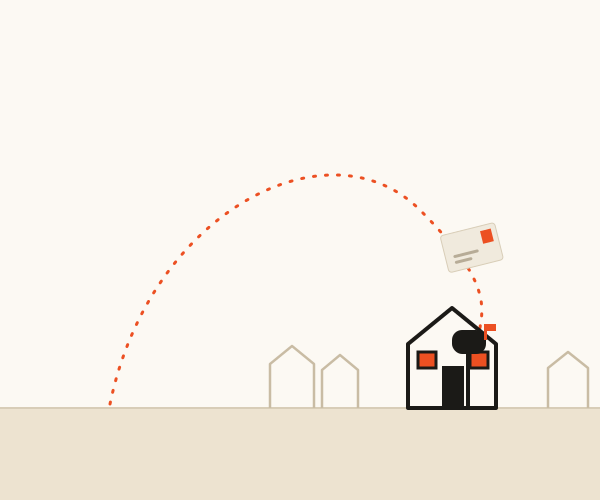 Sample campaign
Workflows and Triggers FAQ
Before it runs.
Operating boundary: A trigger runs the rule your team sets. It does not decide eligibility, approve offers, or override suppression. Plans: list upload, dedupe, and automated mail need Operator or Growth. Approval workflows need Growth. Integrations and API access need Growth.
What can start a direct mail workflow?
An approved lead, customer, order, date, or status event can start a workflow when the customer configures the matching rule.
Does a trigger send mail without review?
The workflow can include the controls and review points that the customer requires before submission.
Who owns the workflow rule?
The customer defines and approves the event source, rule, audience, exclusions, creative, and timing.